Help Center
How can we help?
Ranger Tales is made by a small team and we read every message. Ask our assistant below for an instant answer, browse the common questions, or reach us directly — whatever’s easiest.
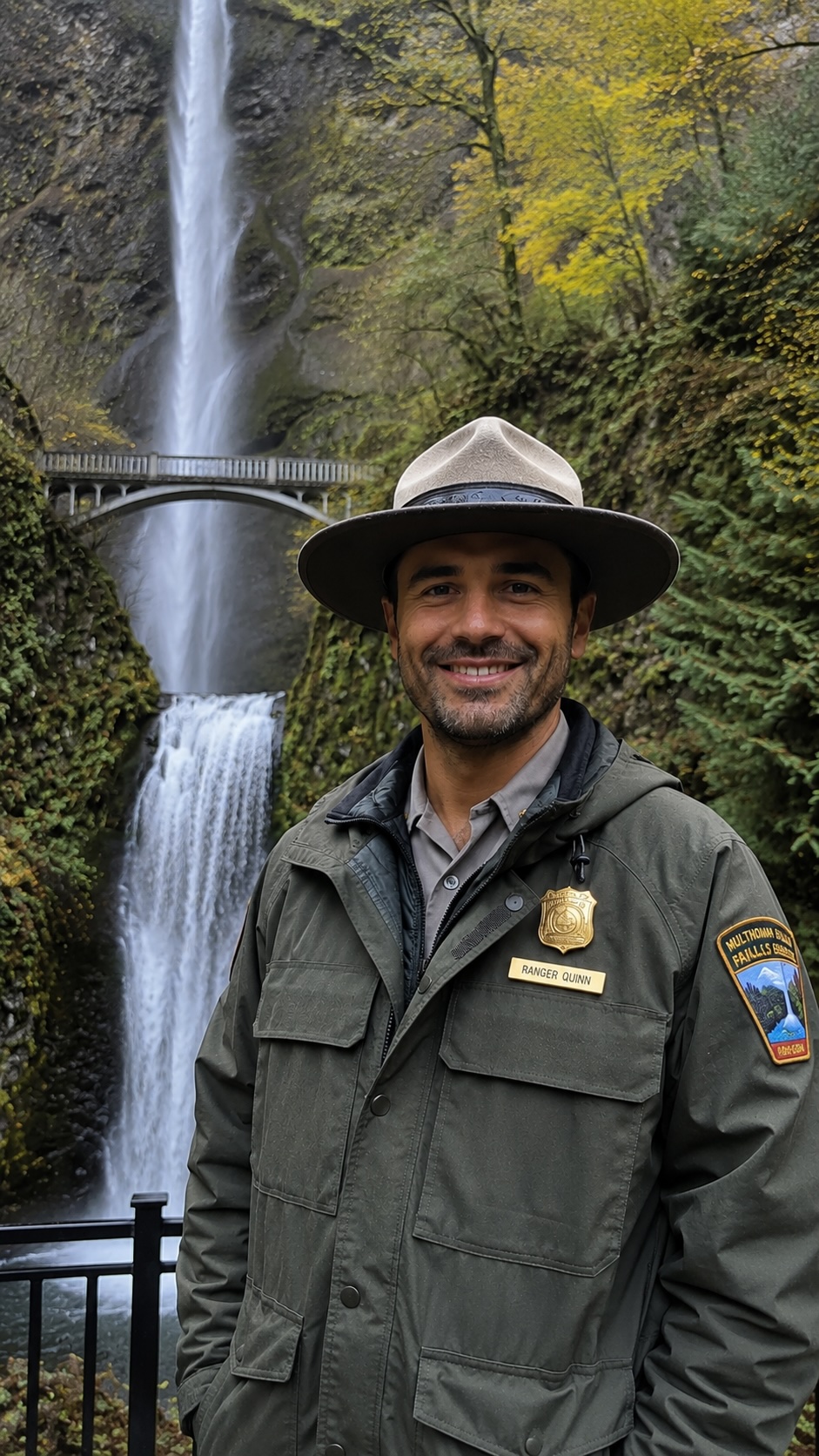
Ask Ranger Quinn
support assistant · usually instant
Howdy — I’m Ranger Quinn 🌲 I can help you unlock a tour you bought, fix audio, sort a refund, and more. What’s going on?
Ranger Quinn is an AI assistant · answers may not be perfect
Prefer email?
Write us at mike@rangertales.com — include your device model, iOS/Android version, and your booking or order number, and we can help faster. Bought online and just need to unlock it? Open the app → Me tab → Redeem a Code.
Frequently asked
Getting started
How Ranger Tales works and what to do first.
- How does Ranger Tales work?
- Pick a tour, download it, and start driving or walking. The app uses your phone’s GPS to play each stop’s story automatically when you arrive — no tapping or reading while you move. Ranger Quinn guides you through what you’re seeing; Ranger Boone tells the campfire tales and history.
- Do I need cell signal?
- No. Download the tour before you head out (on Wi-Fi is best) and it plays completely offline by GPS — which is exactly where most parks lose signal. Just don’t delete it before your trip.
- Is the app free? How much are tours?
- The app is free to download. Each tour is a small one-time purchase you keep forever — no subscription. Some destinations offer a bundle that unlocks several tours together. You can buy a tour right on our website or in the app.
Buying & unlocking your tour
Bought on the website, Viator, or Tripadvisor? Here’s how to get it into the app.
- I bought a tour online — how do I get it in the app?
- You don’t pay again — you just redeem the code from your purchase. 1) Download the free Ranger Tales app. 2) Open it and go to the “Me” tab. 3) Tap “Redeem a Code.” 4) Enter the code from your confirmation email (it also arrives from us right after you buy). That unlocks your tour to download and play. Codes never expire.
- The app is asking me to purchase — but I already paid!
- You’re all set — you do NOT need to buy it again. What you’re seeing is the app’s in-app store screen; because you bought online, your tour unlocks through a code instead. Go to the “Me” tab → “Redeem a Code” and enter the code from your confirmation email. That’s the last step. (If you can’t find your code, email us and we’ll resend it right away.)
- Where do I find my code?
- It’s in your confirmation email — you get one from Ranger Tales right after your purchase with the code and these same steps, plus it appears on your Viator/Tripadvisor booking confirmation. Search your inbox (and spam) for “Ranger Tales.” Still can’t find it? Email us and we’ll send it over.
- It says “Couldn’t reach server — check your connection” when I redeem.
- Sorry about that! We had a hiccup with a few early bookings and it’s now fixed and self-healing — please just try redeeming the same code again and it should go right through. Make sure you’re on Wi-Fi or cell data. If it still won’t take, email us with your code and we’ll sort it immediately (we can even issue you a fresh one). You will not be charged again.
- Do codes expire?
- No — your code and your tour are yours to keep. Redeem whenever you’re ready, and once it’s unlocked it stays in your app for good.
Playback & audio
When narration doesn’t play the way you expect.
- The audio isn’t playing at a stop. What do I do?
- Check three things: 1) Location permission is set to “Always” or “While Using” in your phone’s Settings, 2) the tour is fully downloaded, and 3) your media volume is up and not routed to a disconnected Bluetooth device. You can also tap any stop to play it manually. If a stop won’t trigger, driving a little past and back through the spot usually re-arms it.
- Why did playback pause on its own?
- That’s on purpose. When the car turns off, CarPlay/Bluetooth disconnects, or your headphones come out, narration pauses so it never blasts an empty car. Just tap play on your phone to pick up right where you left off.
- Does it work with CarPlay or Android Auto?
- Yes! Connect CarPlay or Android Auto and the tour shows up on your dash with a Now Playing screen for each stop, playing through your car speakers as you drive. Start the tour on your phone first, then it hands off to the car display.
Downloads & offline
- How do I download a tour for offline use?
- Open the tour in the app and tap Download while you’re on Wi-Fi. Once the progress bar completes, it plays with no signal needed. Tours can be sizable (lots of audio), so download at home before you travel.
- Do I have to re-download if I get a new phone?
- Your unlocked tours are tied to your redemption/purchase, so you can restore them and download again on a new device. If you hit any trouble restoring, email us with your code or booking info and we’ll get you unlocked.
Refunds & billing
- How do I get a refund?
- It depends where you bought. If you purchased inside the app, that’s handled by Apple/Google — request it at reportaproblem.apple.com (or Google Play) per their refund policy. If you booked on our website: change your mind and request a full refund within 24 hours of purchase; or if a verified technical issue prevents access, email us within 7 days for a refund or credit. All requests are reviewed at our discretion and refunded to the original payment method. Booked on Viator or Tripadvisor? Cancel there, or just email us and we’ll take care of you.
- I was charged but didn’t get anything.
- Let’s fix that fast. If you bought online, check your email (and spam) for your Ranger Tales code and redeem it in the app’s “Me” tab. If there’s truly no code or the charge looks wrong, email us with your receipt or booking number and we’ll make it right — including issuing a fresh code or a refund.
Looking for our Privacy Policy or Terms?